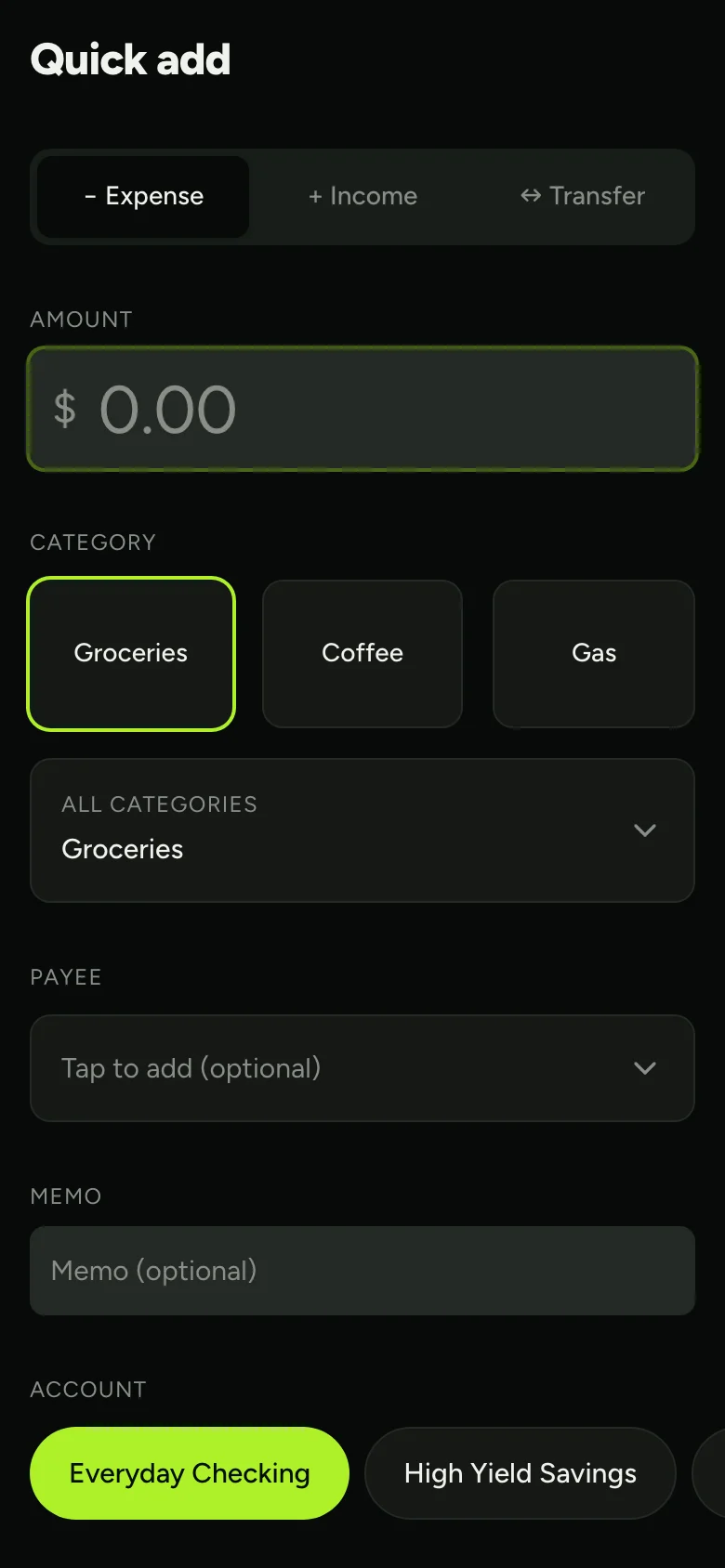
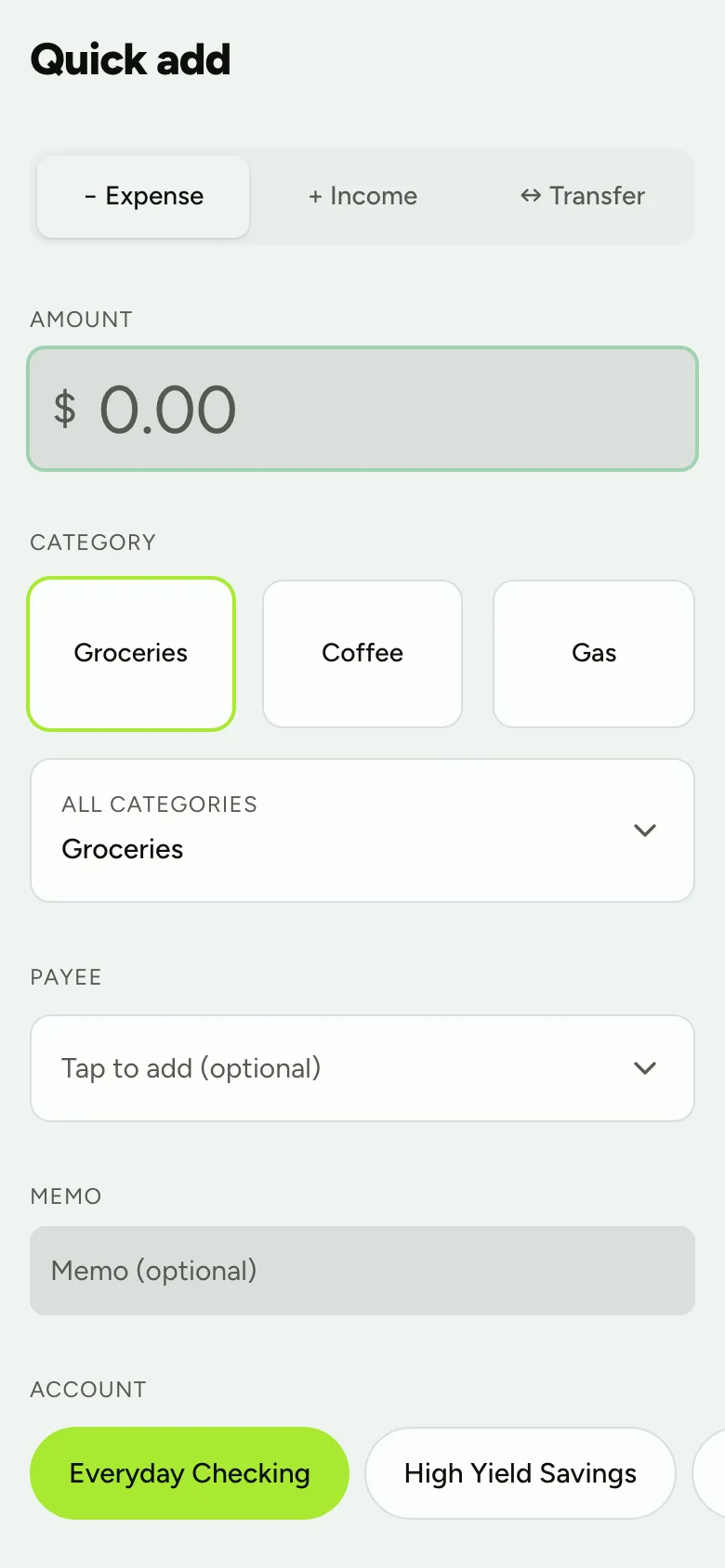
Quick add, at the register
A thumb-sized capture screen, installable on your phone. Expense, income or transfer in a few taps.
Envelope budgeting that tells you which transfers to make. Everything lives in one file on your machine. No account, no subscription.
Runs anywhere Node or Docker does · AGPL-3.0
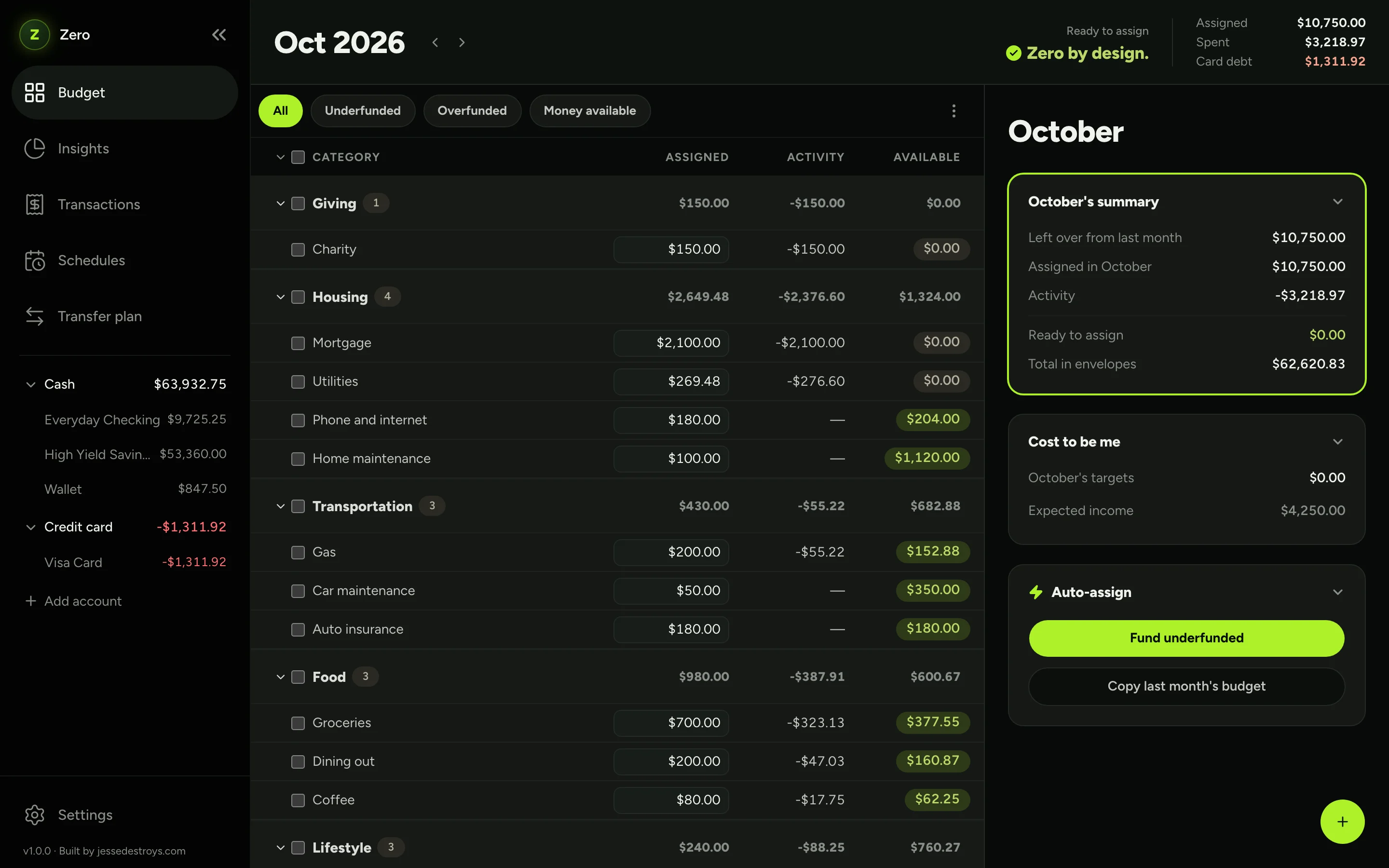
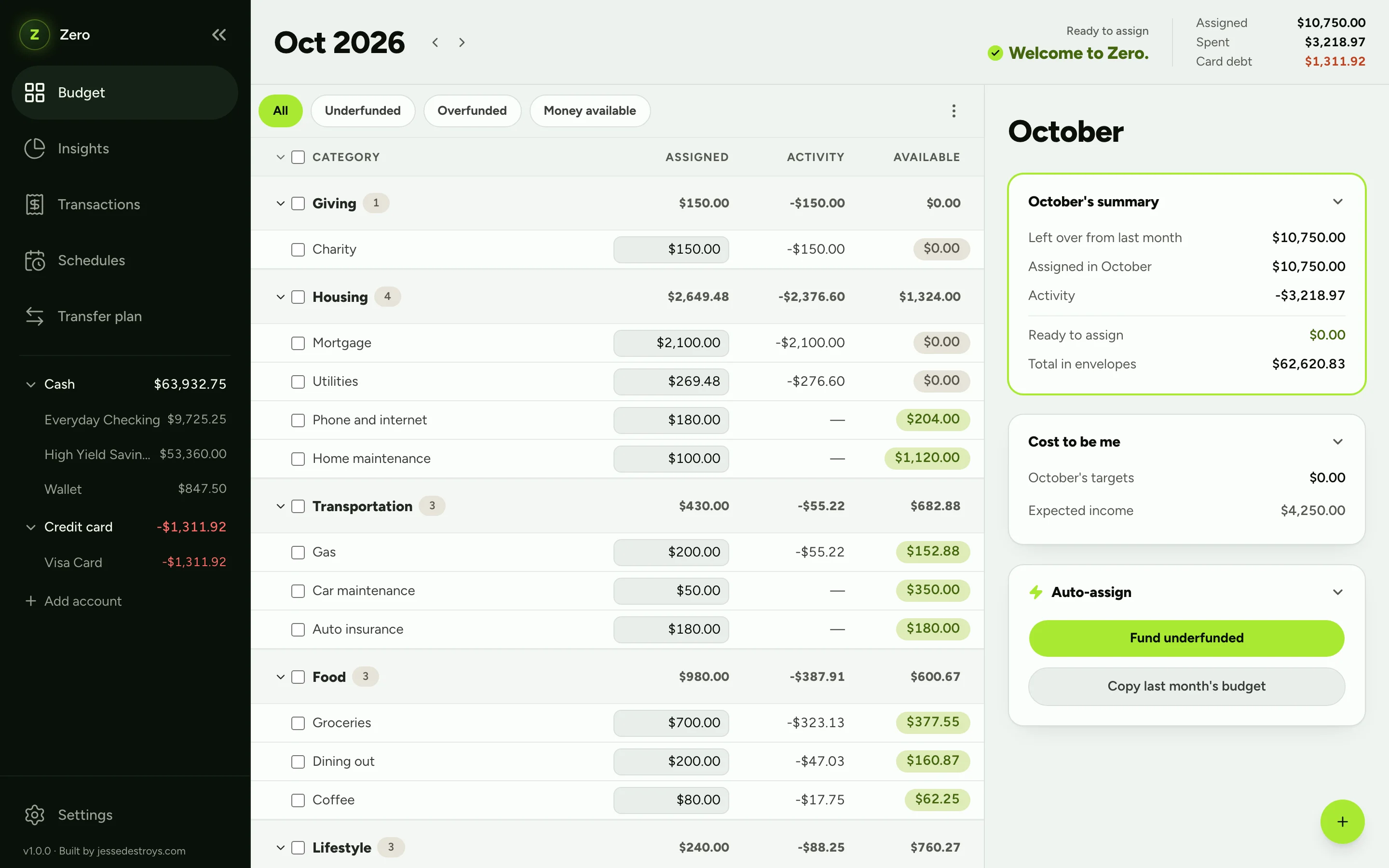
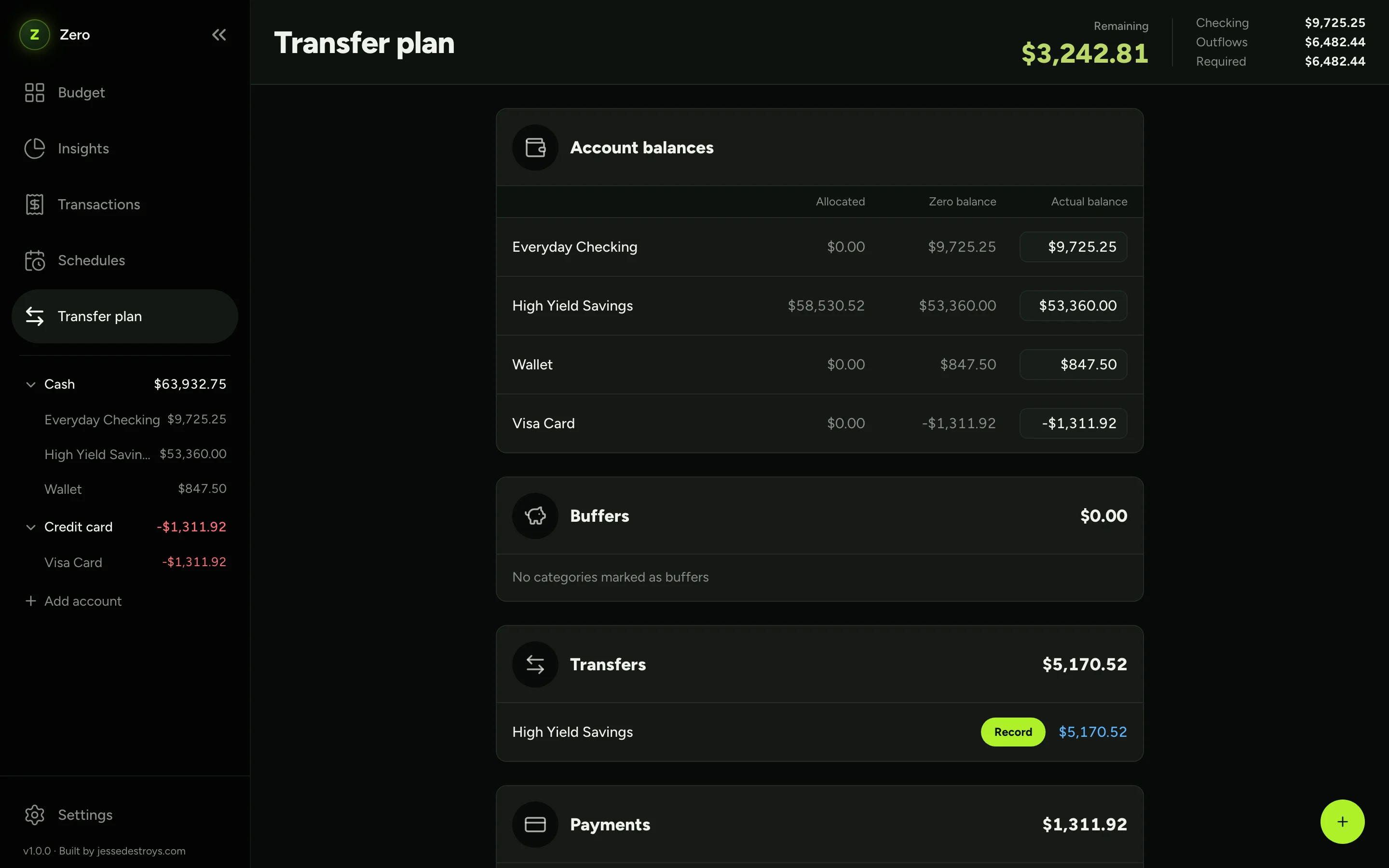
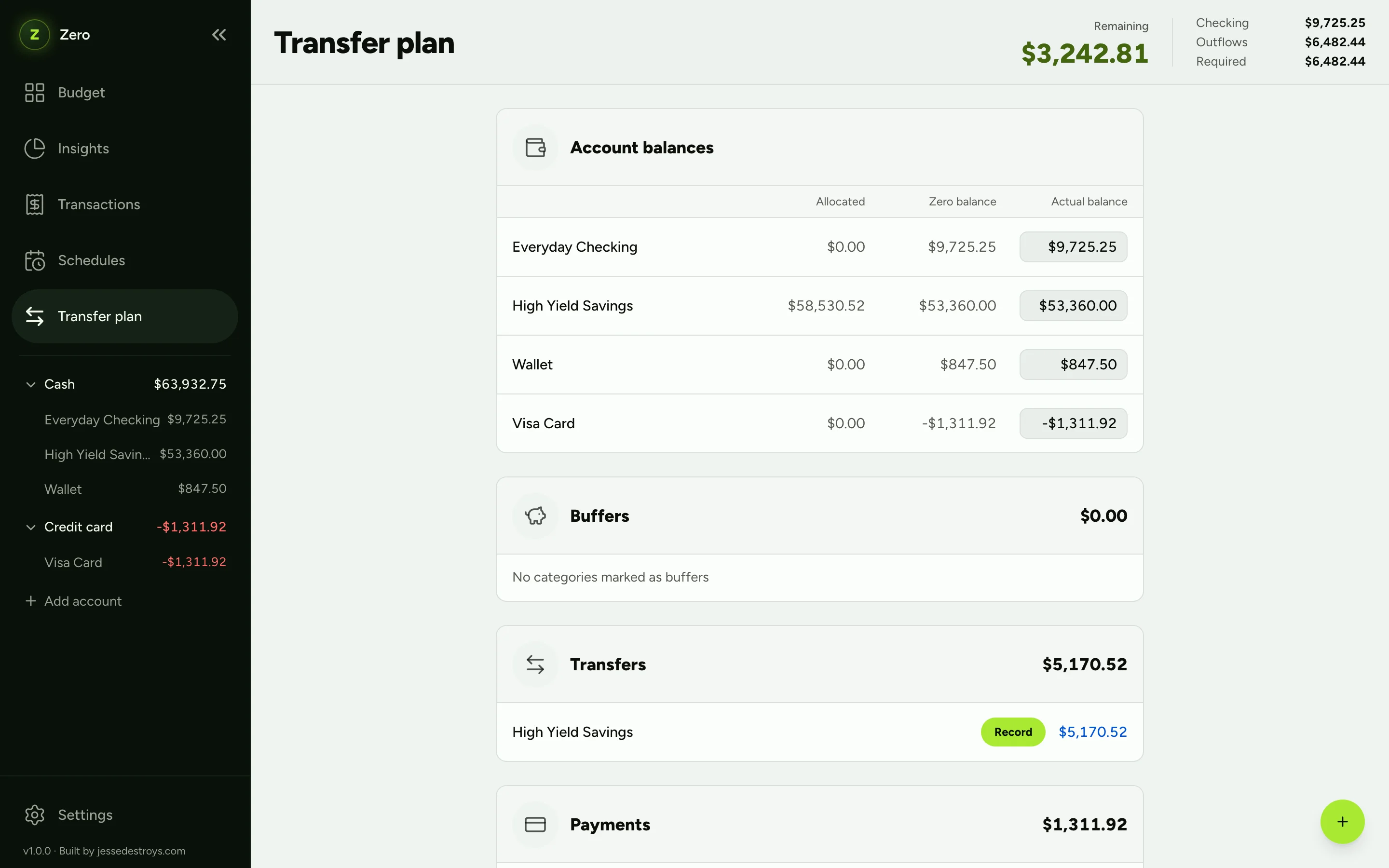
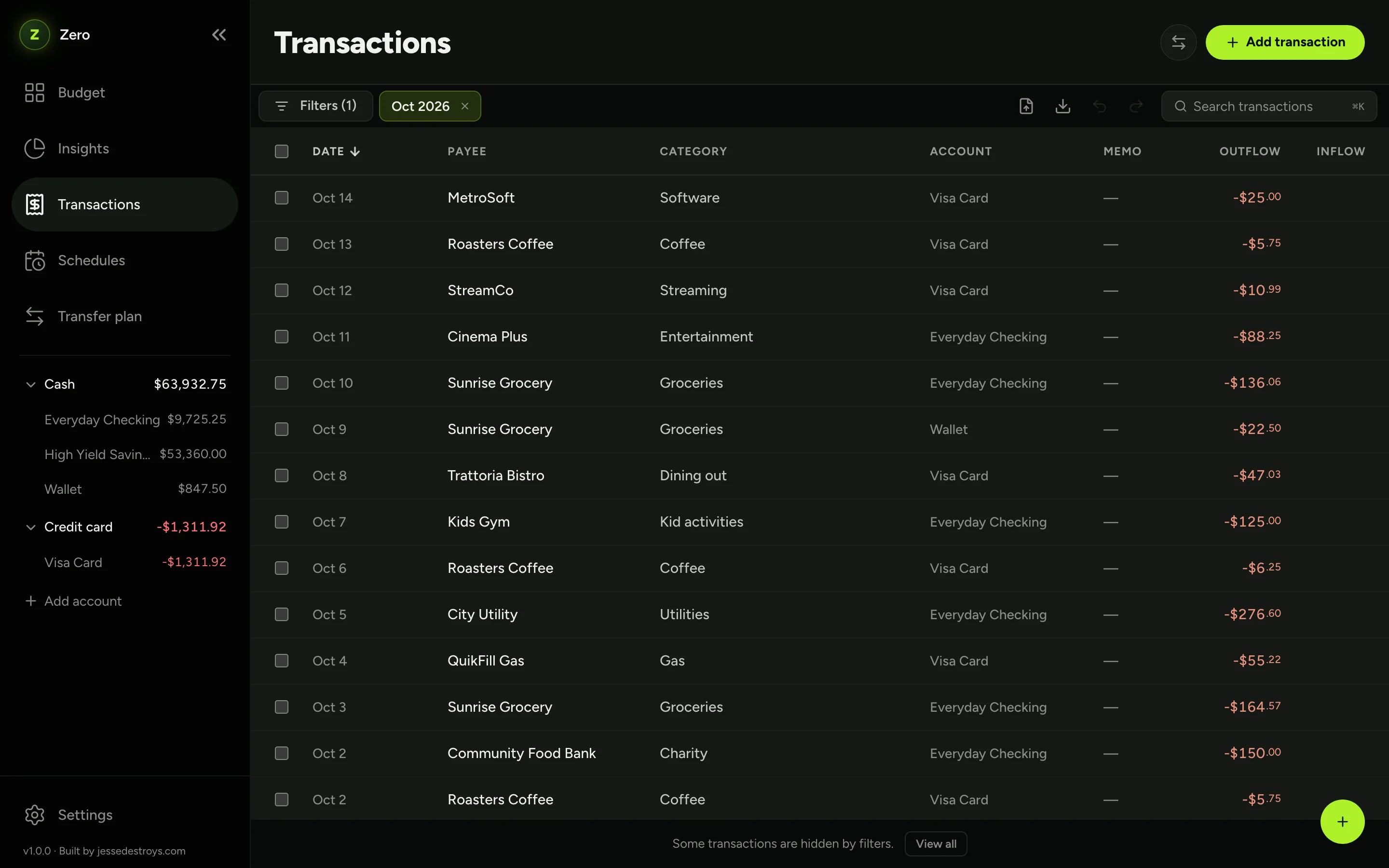
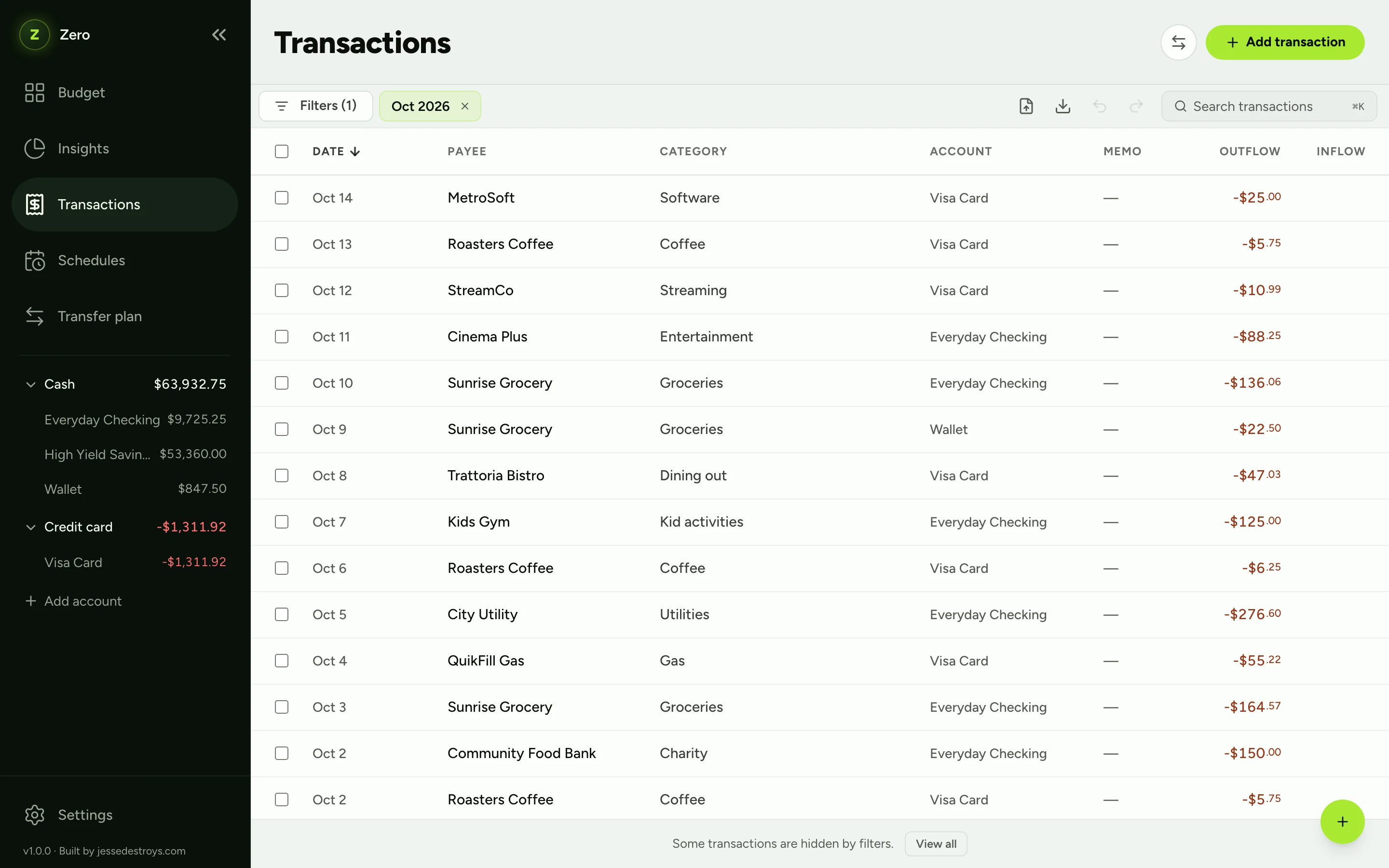
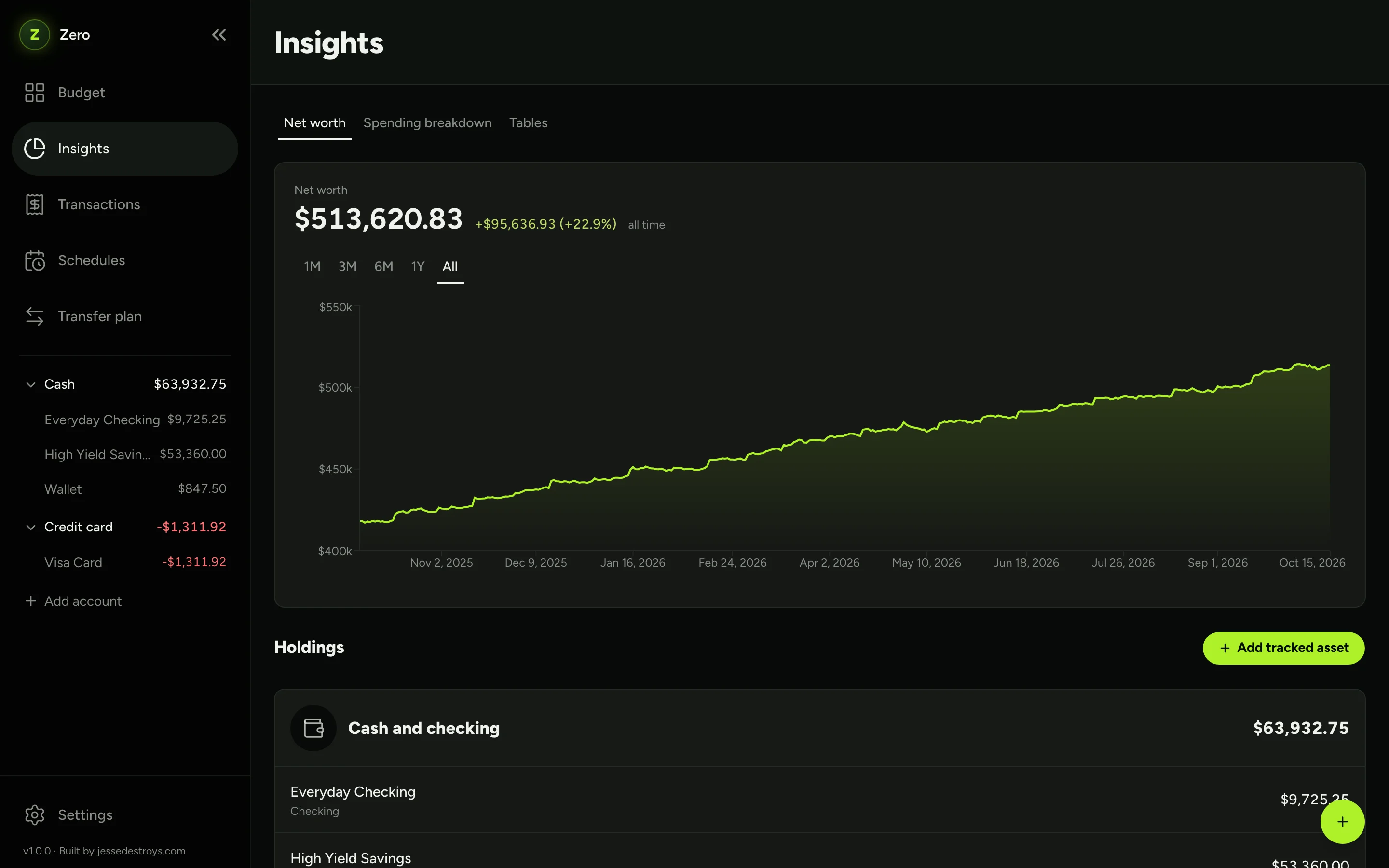
A month in Zero. Know where every dollar goes, and what to move.
A thumb-sized capture screen, installable on your phone. Expense, income or transfer in a few taps.
Undo reverses exactly what you did.
Hide every amount before you share your screen. Nothing flashes, even on reload.
Your entire history lives in a single SQLite file. Copy it to a thumb drive and you've backed up everything.
Top up every underfunded category or copy last month's budget. You see a preview first.
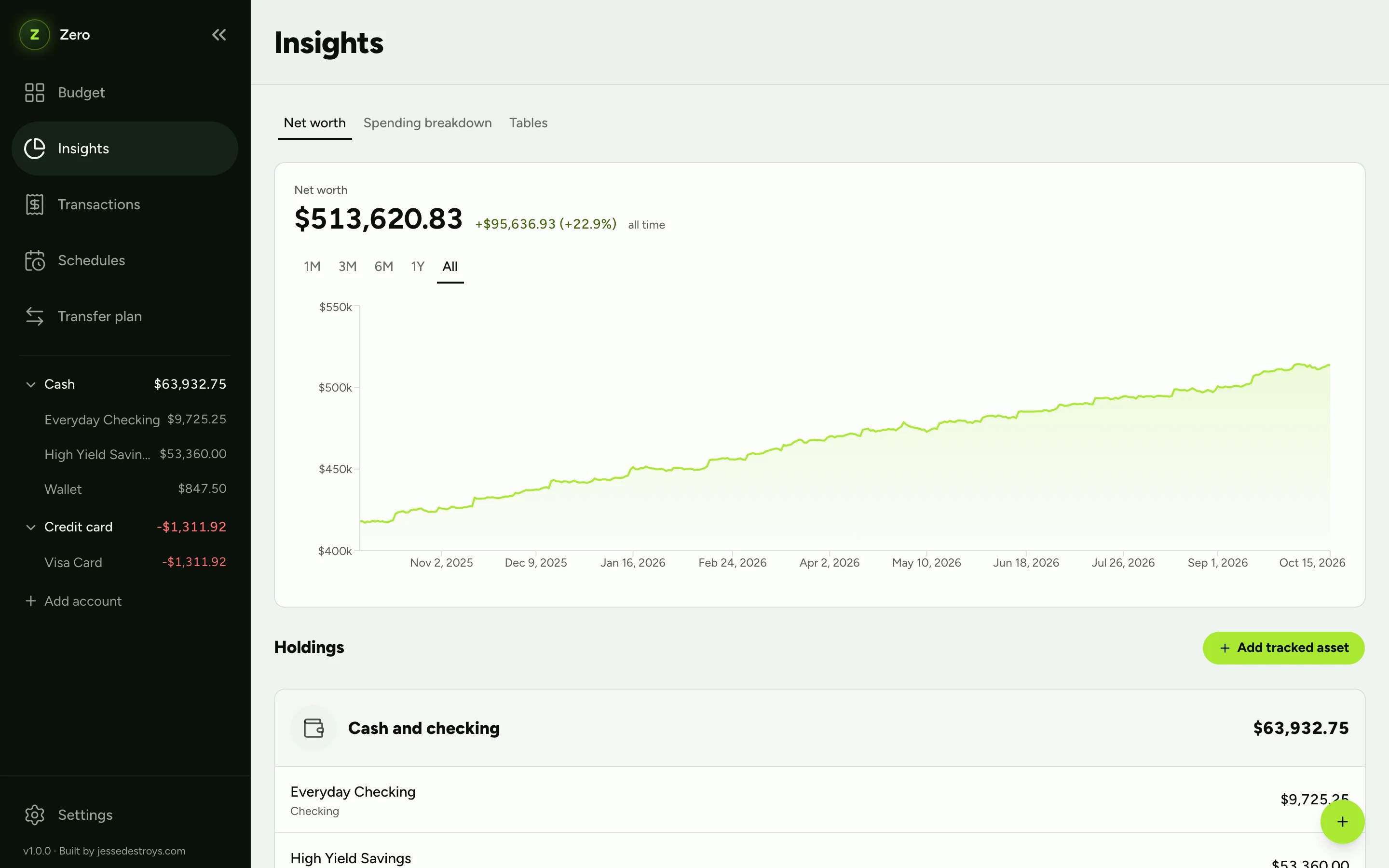
Net worth across accounts and tracked assets, spending breakdowns, and a year at a glance.
Import from ten bank formats with auto-detection, or map columns yourself. Export anything you can filter.
Hand a statement to the AI agent you already use. Zero's import-txns skill does the matching.
Runs in your agent, not in Zero. Zero has no AI built in.
Reconcile this against Visa Card
Matched 41 of 44 statement lines on Visa Card.
Balance −$1,311.92 matches the statement.
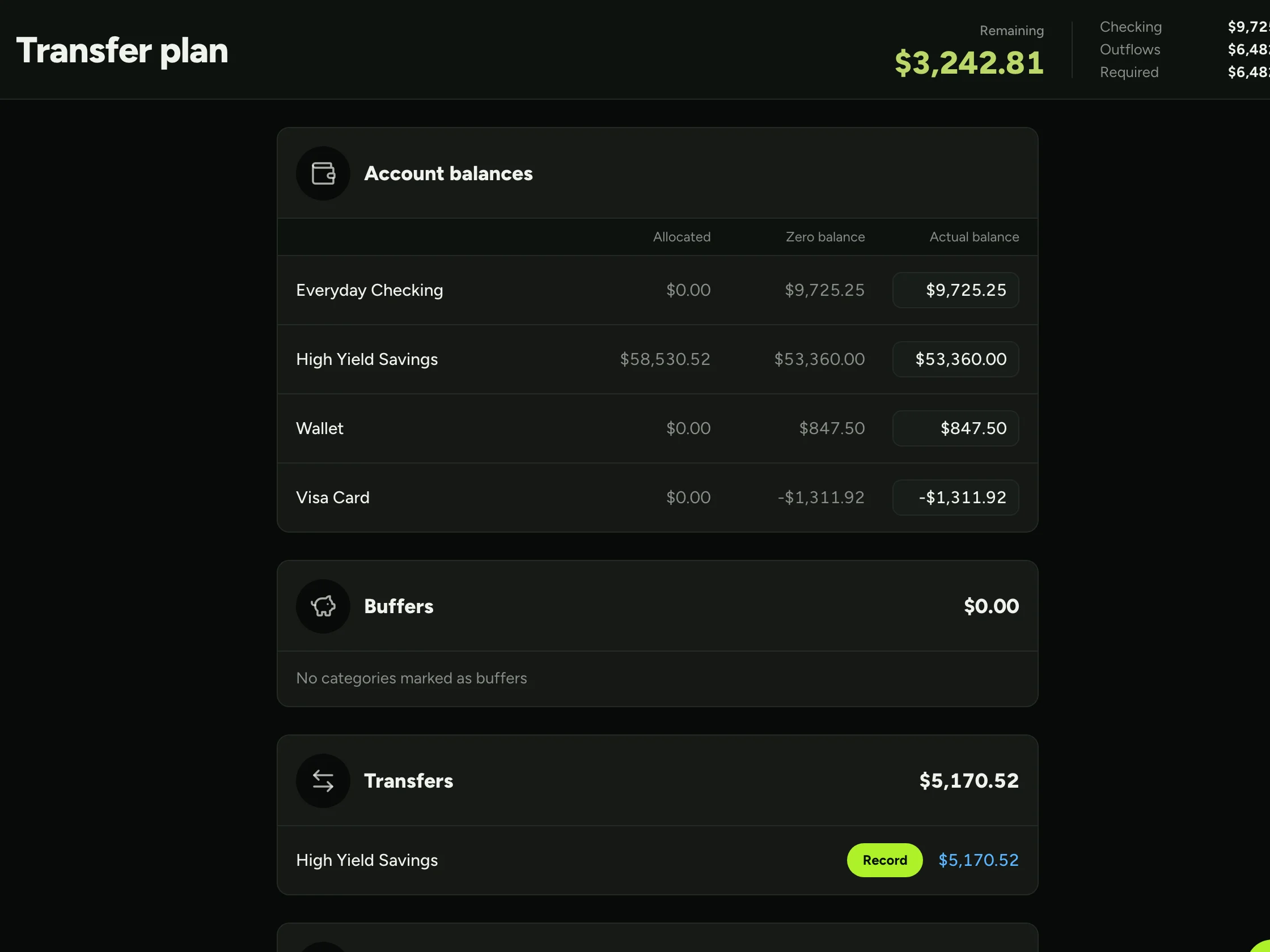
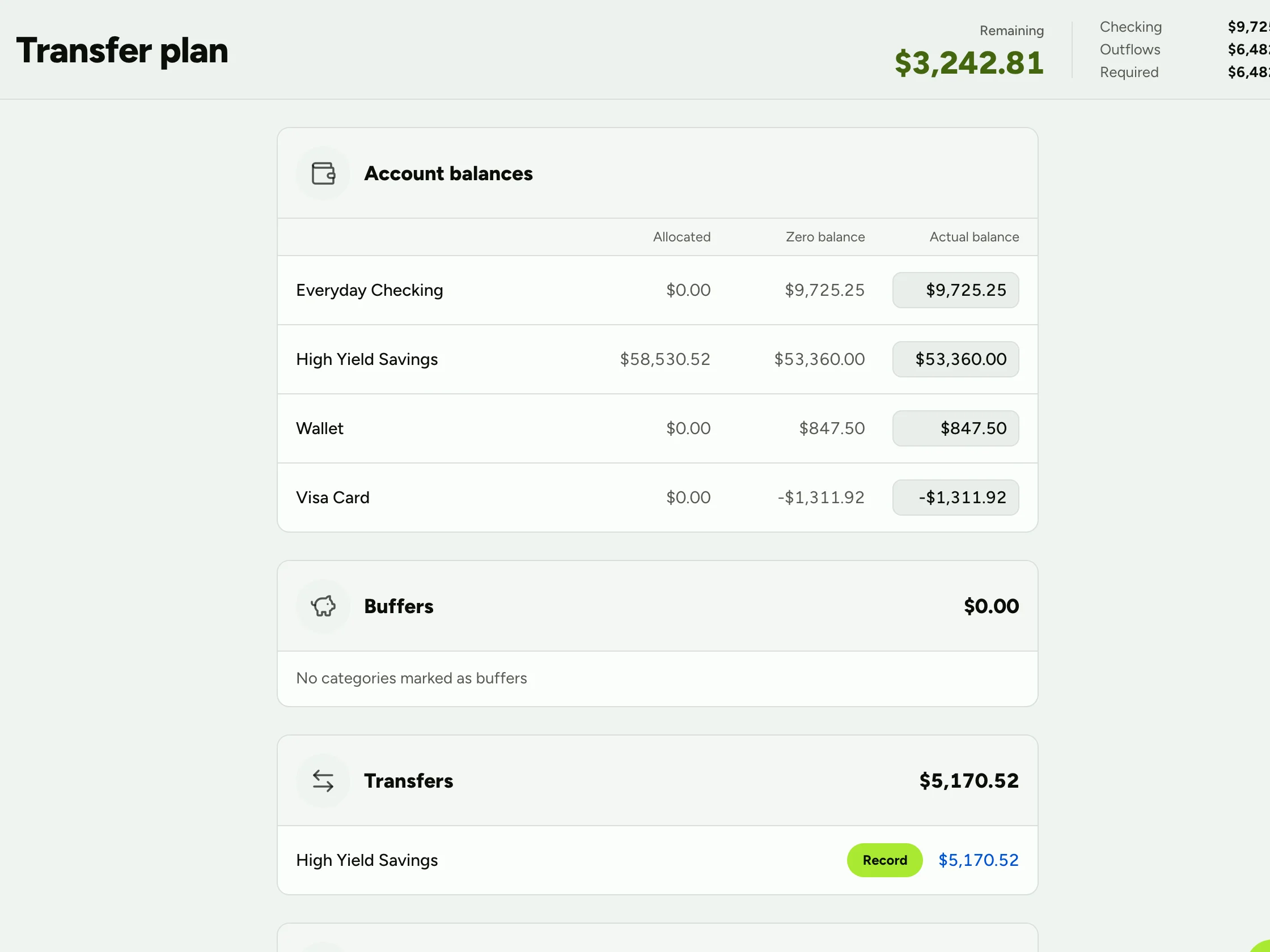
Most budgeting apps stop at the plan. Zero compares your budget with your real balances and gives you a checklist of transfers to make.
Recalculated from your budget every time, so it never drifts.
$ git clone https://github.com/<you>/zero && cd zero
$ cp .env.example .env.local
$ docker compose up -d --build
✓ Zero is running on http://localhost:4040
No login, on purpose. Keep Zero on your own machine or a private network like Tailscale. Don't put it on the open internet without authentication in front. Read the security notes.
Free and open source. Your data never leaves your machine.